How to Reduce Your Electricity Bill When Working from Home in Lancashire
Working from home adds roughly £100 to £200 per year to a Lancashire household’s electricity bill, depending on your setup and habits. A desktop computer, monitor, desk lamp, extra heating, and making more cups of tea all contribute. The good news is that a few straightforward changes can claw back most of that extra cost while keeping your home office comfortable and productive. Here are the most effective strategies for Lancashire-based home workers in 2026.
How to Reduce Your Electricity Bill When Working from Home
- Switch to a time-of-use tariff — tariffs like Octopus Agile or Intelligent offer cheaper rates during off-peak hours, saving £100–£200 per year
- Use a laptop instead of a desktop — a laptop uses 30–60W compared to 150–300W for a desktop PC with monitor, cutting workstation costs by two-thirds
- Heat only the room you work in — a single oil-filled radiator or heat pump unit costs 5–10p per hour compared to running whole-house central heating
- Switch all lighting to LEDs — LED bulbs use 80% less electricity and last 10 times longer than halogen equivalents
- Turn off standby devices — UK households waste an average of £60 per year powering devices on standby; use smart plugs or switches to cut them off
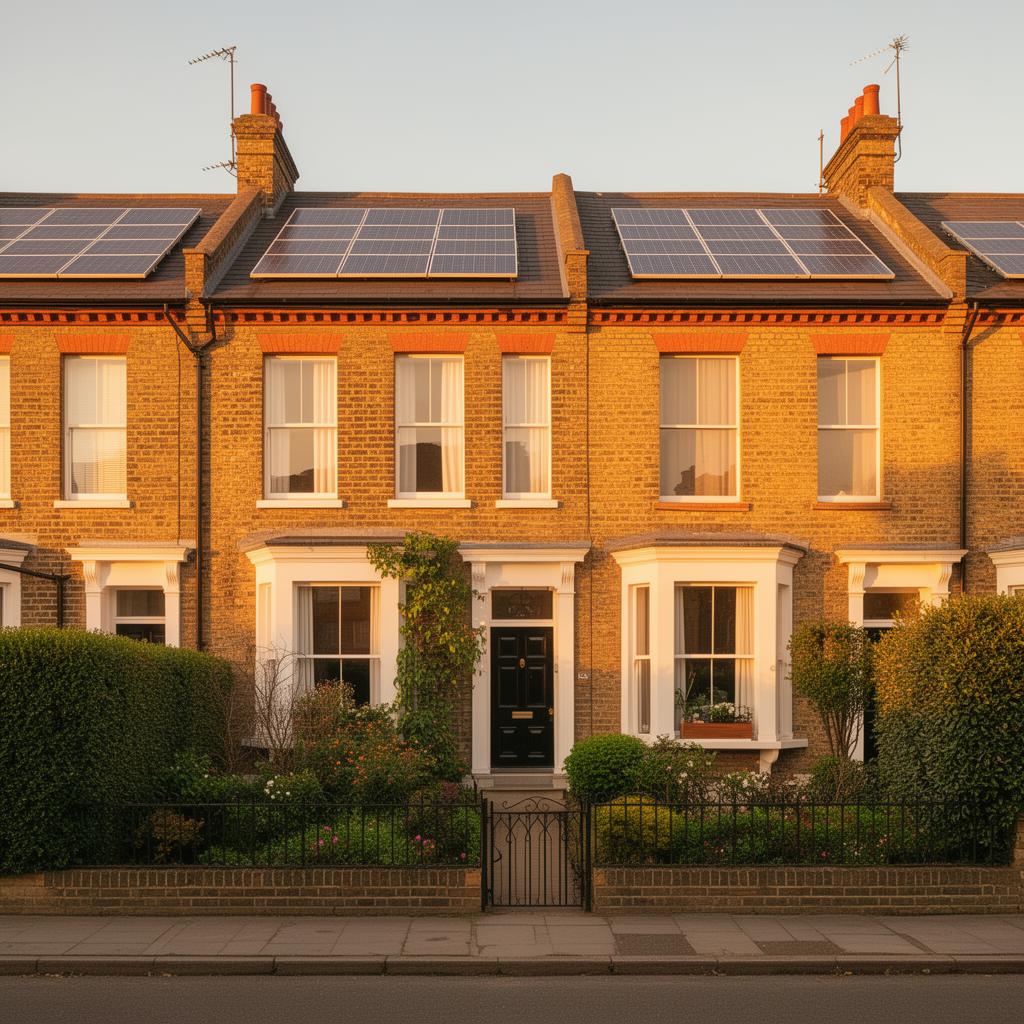
- Install solar panels — a 4 kWp system generates free electricity during daylight working hours, saving £400–£700 per year
Working from home full-time adds an estimated £80 to £150 per year to electricity bills in Lancashire, depending on your equipment and heating habits. The measures above can offset this increase entirely and often reduce your overall energy spend below what it was before. Combining a time-of-use tariff with solar panels is particularly effective, as you generate free power during peak working hours.
What Working from Home Actually Costs in Electricity
Understanding where the extra electricity goes helps you target the biggest savings. Here is a breakdown of typical daily electricity costs for common home office equipment at the current 24.5p per kWh rate:
- Desktop computer – 100 to 200W, costing 19p to 39p per 8-hour day
- Laptop – 30 to 60W, costing 6p to 12p per 8-hour day
- 24-inch monitor – 20 to 40W, costing 4p to 8p per day
- 27-inch monitor – 30 to 60W, costing 6p to 12p per day
- Desk lamp (LED) – 5 to 10W, costing 1p to 2p per day
- Router (always on) – 10 to 15W, costing 6p per day
- Kettle (4 cups of tea per day) – 3kW for 2 minutes each, costing 8p per day
- Space heater (fan heater) – 2kW, costing £3.92 per 8-hour day
The numbers make one thing very clear: space heaters are the runaway biggest cost. A 2kW fan heater running all day costs nearly £4 – more than everything else combined. If you are using an electric heater to keep your home office warm, that is where the real money is being wasted.
Stop Using Space Heaters (and What to Do Instead)
Many Lancashire home workers, particularly those in spare bedrooms or converted lofts, plug in an electric heater because the room is cold. A 2kW fan heater costs £20 per week at current electricity rates. Over a 48-week working year, that is nearly £960 – almost as much as heating the entire house.
Better alternatives for keeping your home office warm:
Turn up the radiator in your office. If you have thermostatic radiator valves, turn the office radiator up to 3 or 4 and turn down radiators in rooms you are not using during the day. Heating one room with your central heating is far cheaper than using a plug-in heater. Gas heating costs roughly 6.5p per kWh compared to 24.5p for electricity.
Use a heated throw or heated desk mat. A heated throw uses just 100W – that is £1.96 per week instead of £20 for a fan heater. A heated desk mat for your hands and wrists uses around 30W. These products warm you directly rather than heating the entire room, which is massively more efficient.
Insulate the room. If your home office is in a converted loft or extension that is poorly insulated, addressing that fixes the root cause. Loft insulation top-up costs £200 to £400 and saves money on heating the entire house, not just your office.
Switch to a Laptop (or Optimise Your Desktop)
If you are using a desktop computer with a separate monitor, switching to a laptop can cut your computing electricity cost by 60% to 80%. A modern laptop performing typical office tasks (email, documents, video calls) uses 30 to 60W compared to 100 to 200W for a desktop tower.
If you prefer a desktop or need one for more demanding work, adjust the power settings. Enable sleep mode after 10 minutes of inactivity. Turn off the monitor when you step away for more than a few minutes. Use the power management settings in Windows or macOS to put the computer into a low-power state during lunch breaks.
A second monitor is a common home office addition that improves productivity. Choose an LED-backlit monitor, which typically uses 20 to 40W compared to older LCD screens that can use 50 to 80W. The running cost difference is modest, but over a year of full-time use, an efficient monitor may save an estimated £10 to £20.
Smart Tariffs for Home Workers in Lancashire
If you work from home full-time, your electricity usage pattern differs from a household that is empty during the day. Standard tariffs charge the same rate regardless of when you use electricity. Time-of-use tariffs charge different rates at different times, which can work for or against home workers.
Octopus Agile charges variable rates throughout the day based on wholesale prices. Daytime rates (when you are working) are typically 15p to 30p per kWh, while overnight rates can drop to 5p to 10p. If you can shift heavy electrical use to evenings and overnight (running the washing machine, charging devices, heating water), Agile can save money even with daytime office use.
Economy 7 tariffs offer cheap overnight electricity (typically 10p to 15p per kWh) but charge more during the day (28p to 35p). For home workers who use lots of electricity during daytime hours, Economy 7 may actually cost more than a flat-rate tariff. Check your smart meter data to see when you use the most electricity before choosing a time-of-use deal.
For Lancashire home workers with solar panels, working from home is actually beneficial because you are home during peak generation hours and can use the solar electricity directly instead of exporting it at a lower rate.
Lighting Your Home Office Efficiently
Lancashire’s short winter days mean home office lights are on for long periods. During December and January, you may need artificial lighting from 8am to 4pm if your office faces north or east.
LED bulbs are essential. A 10W LED produces the same light as a 60W incandescent bulb, saving 83% on lighting costs. If you have not already switched to LEDs throughout your home, doing so may save an estimated £30 to £60 per year across the whole house.
Position your desk near a window to maximise natural light. In terraced houses across Blackburn, Preston, and Burnley, the back bedroom often has the best natural light for a home office. Use a desk lamp with an LED bulb (5 to 10W) for task lighting rather than illuminating the entire room with a ceiling light.
A daylight SAD lamp can improve both your lighting and your mood during Lancashire’s grey winters. These use 10 to 30W and simulate natural daylight, which helps with concentration and wellbeing when you are spending all day in a small room.
The Kettle and Kitchen Costs
Working from home means more kettle boils, more lunches cooked at home, and more snacks heated up. These add up, though not as much as heating costs.
Only boil the water you need. A full 1.7-litre kettle costs about 4p to boil, while boiling just one cup’s worth costs about 1p. Four cups of tea per day using only the water needed costs 4p versus 16p for a full kettle each time. Over a year, that is a saving of £24.
A microwave is generally more efficient than an oven for reheating lunch. Microwaving a meal for three minutes costs about 2p compared to 15 to 25p for heating an oven for 20 minutes. If you are making lunch at home five days a week, using the microwave instead of the oven saves roughly £50 per year.
A slow cooker is another efficient option for Lancashire home workers. Set it up in the morning, and dinner is ready by the end of the working day. A slow cooker uses about 200W and costs roughly 40p for an eight-hour cook, compared to £1 or more for a conventional oven.
Claiming Tax Relief on Home Working Costs
If your employer requires you to work from home (not just allows it by choice), you can claim tax relief on additional household costs. HMRC allows a flat-rate deduction of £6 per week without needing receipts, which equates to a tax saving of £1.20 per week (basic rate) or £2.40 per week (higher rate).
Over a year, that is £62 to £125 in tax saved – enough to cover most of the extra electricity cost. You can claim online through the HMRC website, and the relief applies from the date you started working from home. Many Lancashire workers who began home working during the pandemic have been claiming this for several years.
If your actual costs are higher than the £6 per week flat rate, you can claim the actual additional costs instead, but you will need to keep records and calculate the proportion of household bills attributable to work. For most people, the flat rate is simpler and sufficient.
How much does working from home add to my electricity bill?
For a laptop-based setup with LED lighting and no space heater, expect an additional £50 to £100 per year. For a desktop computer with monitor and occasional heater use, it could be £150 to £300. The biggest single factor is whether you use an electric space heater – that alone can cost £500 to £1,000 per year.
Are solar panels worth it for home workers?
Yes, home workers benefit more from solar panels than households that are empty during the day because they use more of the generated electricity directly rather than exporting it. A typical 4kW system in Lancashire could cover most of your daytime office electricity from April through September, effectively making your home working electricity free during those months.
Should I unplug my office equipment at night?
Unplugging or switching off at the wall saves a small amount of standby power. A laptop charger left plugged in with no laptop attached draws about 0.5W, costing less than £1 per year. A desktop computer in sleep mode draws 5 to 10W, costing £8 to £15 per year. A smart plug strip makes switching everything off at once quick and easy.
See what these numbers mean for your home
Free instant estimate — costs, savings, payback and grants for your region.

Related Articles
7 Quick Wins to Cut Your Energy Bills This Summer
Summer might seem like the wrong time to think about energy bills, but it is actually when the smartest homeowners make changes. Lower heating demand means more of your spending…
22 May 2026
The Best Time of Year to Replace Your Boiler (and How to Get the Best Price)
Find out why summer is the best time to replace your boiler in the UK, how to negotiate better prices and what to check before committing to an installation.
9 May 2026
Electric Heating Options Explained: Panel Heaters, Storage Heaters and Infrared
Compare electric heating options for UK homes including modern storage heaters, ceramic panel heaters and infrared panels with running cost breakdowns.
7 May 2026